
Looking for the best portable SSD for business backup? A reliable portable SSD can help protect important business files, speed up file transfers, and make it easier to carry your data between the office, home, and travel locations.? A reliable external SSD can make a major difference when you need to protect important files, move large documents quickly, or carry business data between locations.
For professionals, business owners, remote workers, designers, consultants, and small companies, portable storage should be fast, dependable, compact, and easy to use.
In this guide, we explain what to look for when choosing a portable SSD for professional use and why the right storage device can improve both productivity and data protection.
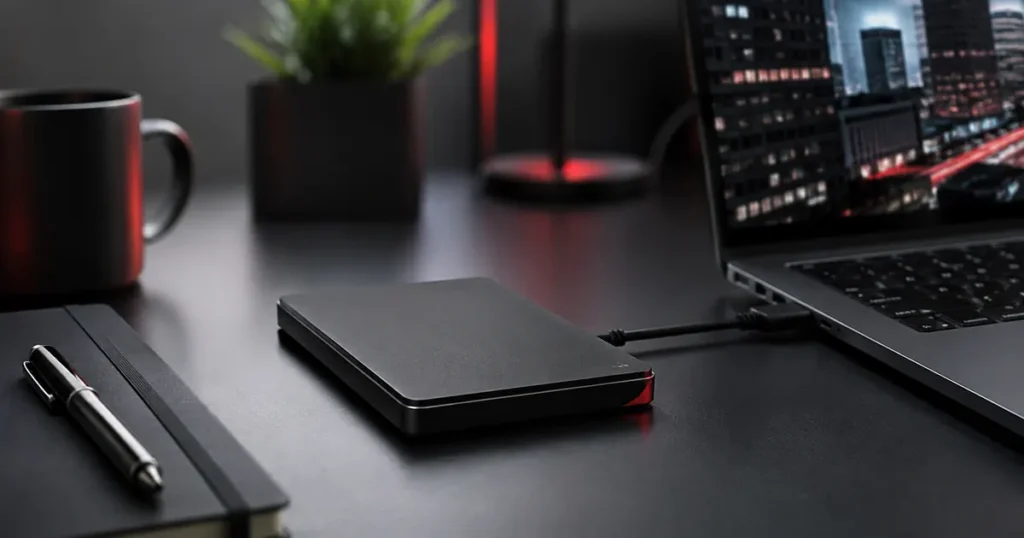
Table of Contents
Why the Best Portable SSD for Business Backup Matters
Business files can include invoices, contracts, presentations, customer records, photographs, project documents, videos, and financial information. Losing important data can create unnecessary delays and problems.
A portable SSD gives you a fast and convenient way to keep an additional copy of important files while also making it easier to transfer data between computers.
1. Transfer Speed
Speed is one of the biggest advantages of an SSD compared with a traditional external hard drive.
Fast transfer speeds are especially useful when working with large files such as videos, design projects, backups, or large folders of business documents.
For professionals who regularly move data between devices, choosing a faster SSD can save a significant amount of time.
2. Choose the Right Storage Capacity
Portable SSDs are available in different capacities. The right size depends on how much data you need to store and how quickly your files are growing.
For everyday documents and office files, a smaller capacity may be enough. Businesses dealing with high-resolution photos, videos, design files, or large project archives may need significantly more space.
It is usually wise to choose some extra capacity rather than buying a drive that is almost full from the beginning.
3. Durability and Reliability
Portable drives are often carried in laptop bags, backpacks, briefcases, and travel luggage.
Because SSDs do not use the same moving mechanical parts as traditional hard drives, they can be better suited to mobile professional use.
Even so, always handle important storage devices carefully and maintain more than one backup of critical business information.
4. Portability for Business and Travel
A good portable SSD should be compact enough to carry comfortably with your laptop and other accessories.
This is particularly useful for consultants, photographers, sales professionals, designers, and business owners who work from multiple locations.
A smaller drive can also be useful when travelling internationally because it takes up very little space in your business bag.
5. Check Device Compatibility
Before buying a portable SSD, check which connection standard it uses.
Modern drives commonly use USB-C, while some include cables or adapters for traditional USB connections.
Make sure the drive is compatible with the computers and operating systems you use, especially if you work across Windows and Mac devices.
6. Consider Security Features
Business data may contain confidential or sensitive information.
Some portable SSDs provide password protection or encryption features that can add another layer of protection if the device is lost or misplaced.
Security features should complement good backup practices rather than replace them.
Recommended Portable SSD for Professionals
One portable storage option worth considering is the Samsung T7 Portable SSD.
It is compact and designed for fast external storage, making it useful for business files, presentations, project backups, photographs, and travel.
As an Amazon Associate, Djeema may earn from qualifying purchases at no additional cost to you.
Portable SSD vs External Hard Drive
Traditional external hard drives can still provide large amounts of storage at an affordable price.
However, portable SSDs are generally faster, smaller, quieter, and better suited to professionals who regularly carry their storage device.
An external hard drive may still be a good option for large archives that stay in one location, while an SSD can be better for active working files and travel.
How to Choose the Best Portable SSD for Business Backup
Before buying, consider:
- Storage capacity
- Read and write speed
- USB-C or USB compatibility
- Physical size and weight
- Build quality
- Password or encryption features
- Warranty and manufacturer support
- Compatibility with your computer and operating system
Do Not Rely on Only One Backup
A portable SSD is useful, but important business data should not exist in only one place.
A good backup strategy can include your working computer, an external drive, and a secure cloud or off-site backup.
Keeping multiple copies can reduce the risk of losing important files because of hardware failure, accidental deletion, theft, or damage.
Build a Better Business Technology Setup
A reliable portable SSD works well alongside other professional accessories such as a USB-C hub, laptop stand, wireless mouse, travel charger, power bank, and business laptop backpack.
You can browse more useful office and business accessories on our Djeema Recommended Products page.
Choosing the best portable SSD for business backup can give professionals a faster, more convenient, and more reliable way to protect important working files.
Final Thoughts
The best portable SSD for business backup should provide the right balance of speed, capacity, reliability, portability, and compatibility.
For professionals who work with important files every day, choosing a dependable portable SSD can make backups easier and file transfers much faster.
For professionals who need reliable storage on the move, selecting the best portable SSD for business backup can improve both productivity and peace of mind.