
Looking for the best wireless mouse for office work? The right mouse can make a noticeable difference to comfort, accuracy, and productivity—especially if you spend several hours each day working on a computer.
For professionals, business owners, designers, remote workers, and office teams, a wireless mouse should offer more than just basic cursor control. Comfort, reliable connectivity, precise tracking, useful buttons, battery life, and compatibility all matter.
In this guide, we explain what to look for when choosing a wireless mouse for professional use and why investing in a better mouse can improve your everyday working experience.
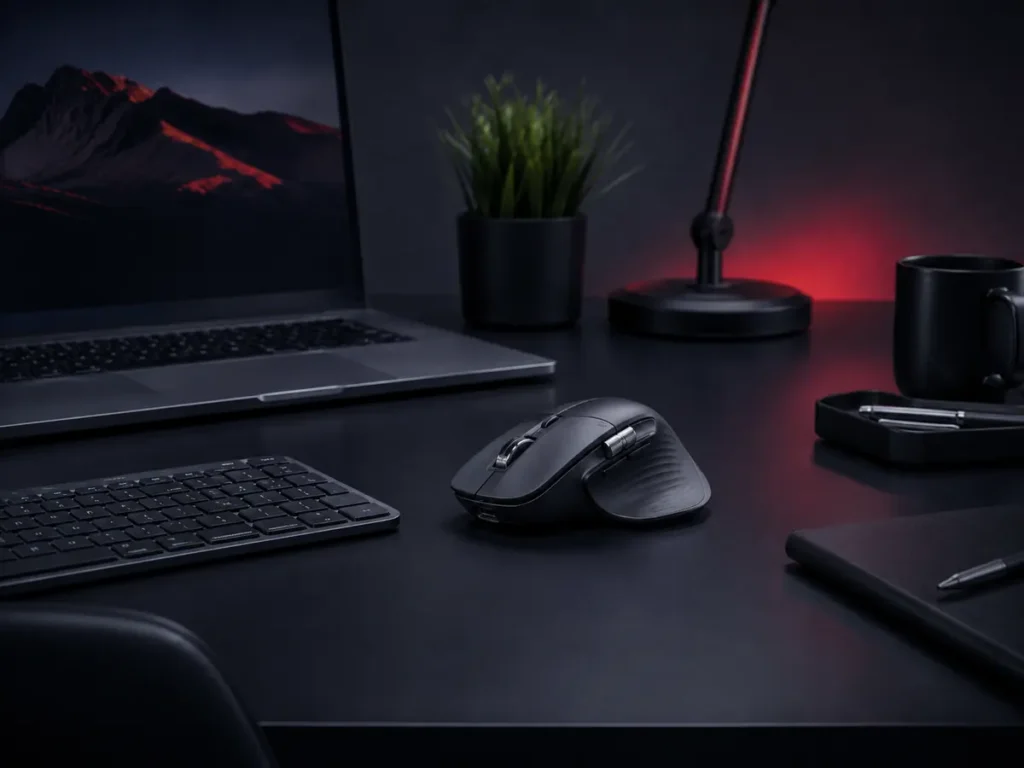
Table of Contents
How to Choose the Best Wireless Mouse for Office Work
A mouse is one of the most frequently used computer accessories in an office. Small problems such as uncomfortable shape, poor tracking, connection interruptions, or frequent battery replacement can become frustrating when repeated throughout the working day.
A well-designed wireless mouse can help create a cleaner desk, reduce cable clutter, and give you more freedom to position your hand naturally.
1. Comfort and Ergonomic Design
Comfort should be one of the first things you consider when choosing a mouse for long working hours.
An ergonomic mouse is shaped to support the hand and reduce unnecessary strain on the wrist and fingers. This becomes especially important for people who spend many hours working with spreadsheets, websites, documents, design applications, or business software.
Look for a mouse that fits your hand comfortably and allows your fingers to rest naturally on the buttons.
2. Accurate and Smooth Tracking
A professional mouse should provide accurate cursor movement without jumping or lagging.
Good tracking is useful not only for designers and creative professionals but also for everyday business activities such as selecting spreadsheet cells, editing documents, managing websites, and working across multiple screens.
Some premium wireless mice also work reliably on a wider range of surfaces, which can be useful when travelling or working outside a traditional office.
3. Reliable Wireless Connectivity
Modern wireless mice generally connect through Bluetooth, a USB receiver, or both.
Bluetooth is convenient because it does not require a USB port, while a dedicated wireless receiver can offer a stable and responsive connection.
Professionals who regularly switch between a laptop, desktop computer, or tablet may benefit from a mouse that can connect to multiple devices.
4. Battery Life and Charging
Battery performance is another important consideration for business users.
A wireless mouse with long battery life reduces interruptions during work. Rechargeable models can also be convenient because you do not need to keep replacing disposable batteries.
Before buying, check whether the mouse uses replaceable batteries, an internal rechargeable battery, or USB charging.
5. Extra Buttons Can Improve Productivity
Many professional mice include additional programmable buttons.
These can be useful for actions such as:
- Going forward and backward in a browser
- Switching between applications
- Copying and pasting
- Changing desktops
- Controlling zoom
- Using custom shortcuts in business or design software
These features may seem small, but they can save time when repeated hundreds of times during a working week.
6. Consider Multi-Device Support
Many professionals now use more than one computer or device.
For example, you may have a desktop computer in the office and a laptop for meetings or travel. A multi-device wireless mouse can make switching between systems much easier.
This is especially useful for consultants, business owners, designers, and people working in hybrid office environments.
Recommended Wireless Mouse for Professionals
One option worth considering is the Logitech MX Master 3S Wireless Mouse.
It is designed for professional users who value comfort, precise control, smooth scrolling, and productivity features. It can be particularly useful for office work, browsing, spreadsheets, creative applications, and multitasking.
As an Amazon Associate, Djeema may earn from qualifying purchases at no additional cost to you.
Who Should Consider a Premium Wireless Mouse?
A better wireless mouse can be particularly useful for:
- Business owners
- Office professionals
- Remote workers
- Graphic designers
- Digital marketers
- Accountants
- Students
- Content creators
- People working with multiple monitors
Wireless Mouse vs Wired Mouse for Office Work
A wired mouse can still be a reliable and affordable option. However, wireless models generally provide a cleaner desk and greater flexibility.
For most everyday office tasks, modern wireless technology offers more than enough responsiveness. A wired mouse may still be preferred in situations where uninterrupted connection and extremely low latency are essential.
What to Check Before Buying
Before choosing a wireless mouse, check:
- Whether the size suits your hand
- Bluetooth and USB receiver compatibility
- Battery or charging method
- Number of programmable buttons
- Scroll wheel design
- Device compatibility
- Tracking performance
- Warranty and manufacturer support
Build a Better Professional Workspace
A wireless mouse is only one part of a productive office setup. Other useful accessories can include an adjustable laptop stand, USB-C hub, portable SSD, webcam, wireless keyboard, headset, and appropriate desk lighting.
You can browse more business and professional accessories on our Djeema Recommended Products page.
For professionals who spend several hours at a computer each day, choosing the best wireless mouse for office work can improve comfort, efficiency, and everyday productivity.
Final Thoughts
The best wireless mouse for office work should be comfortable, reliable, accurate, and suited to the way you use your computer.
If you only use a computer occasionally, a basic wireless mouse may be enough. But if your work involves several hours of daily computer use, investing in a comfortable professional mouse can make your workspace more pleasant and efficient.
Focus on ergonomics, connectivity, battery life, tracking quality, and useful productivity features rather than choosing a mouse based only on appearance.